
Rail-22
A downloadable game for Windows and macOS
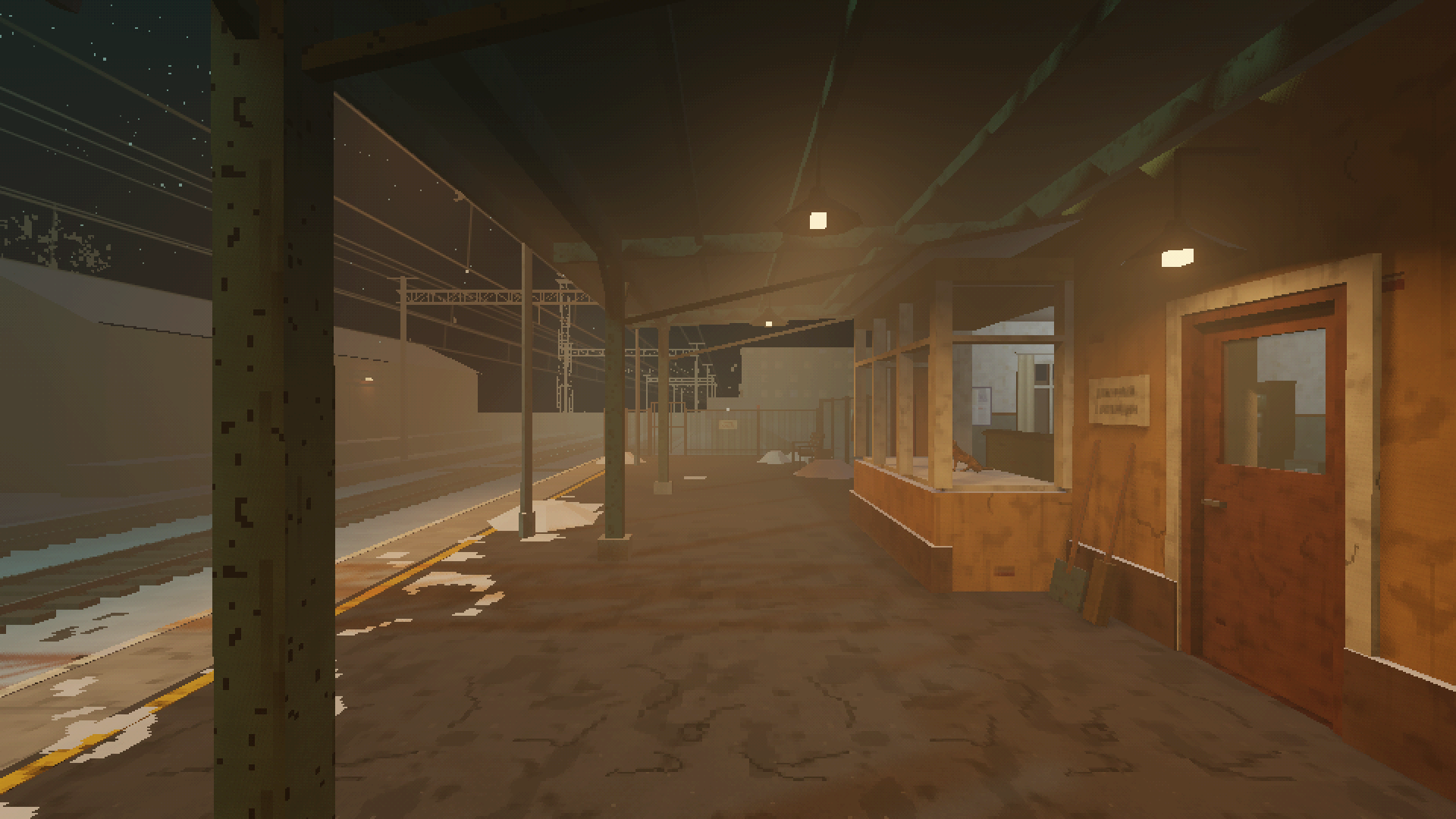
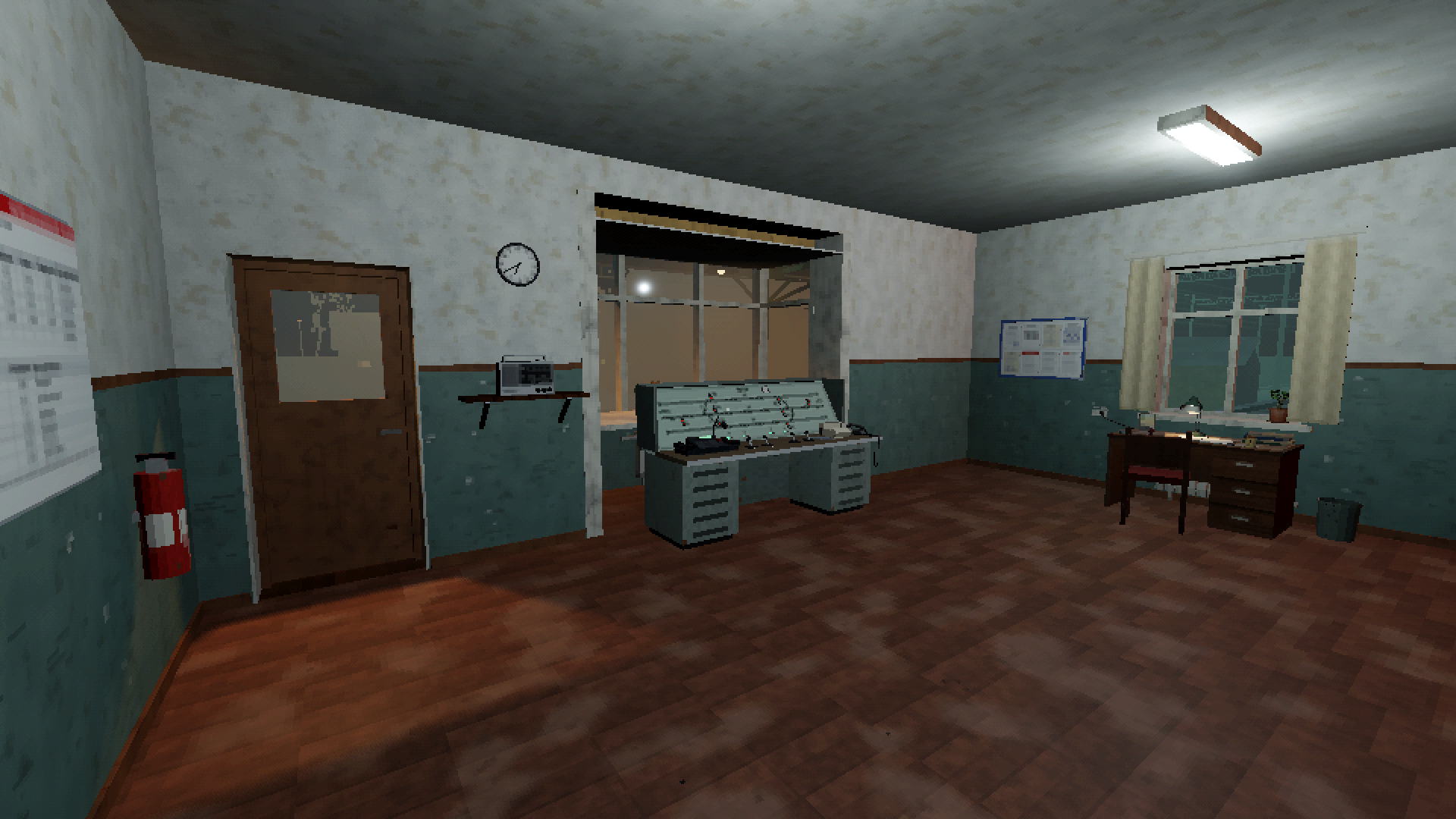
Rail-22 is a short first-person game about the quiet work of a railway station duty officer. You arrive by the evening bus, take over from the old-timer and stay at your post until your relief comes.
Nobody needs you to be a hero. The trains need their routes, the logbook needs its entries, the dispatcher needs an answer.
What you do
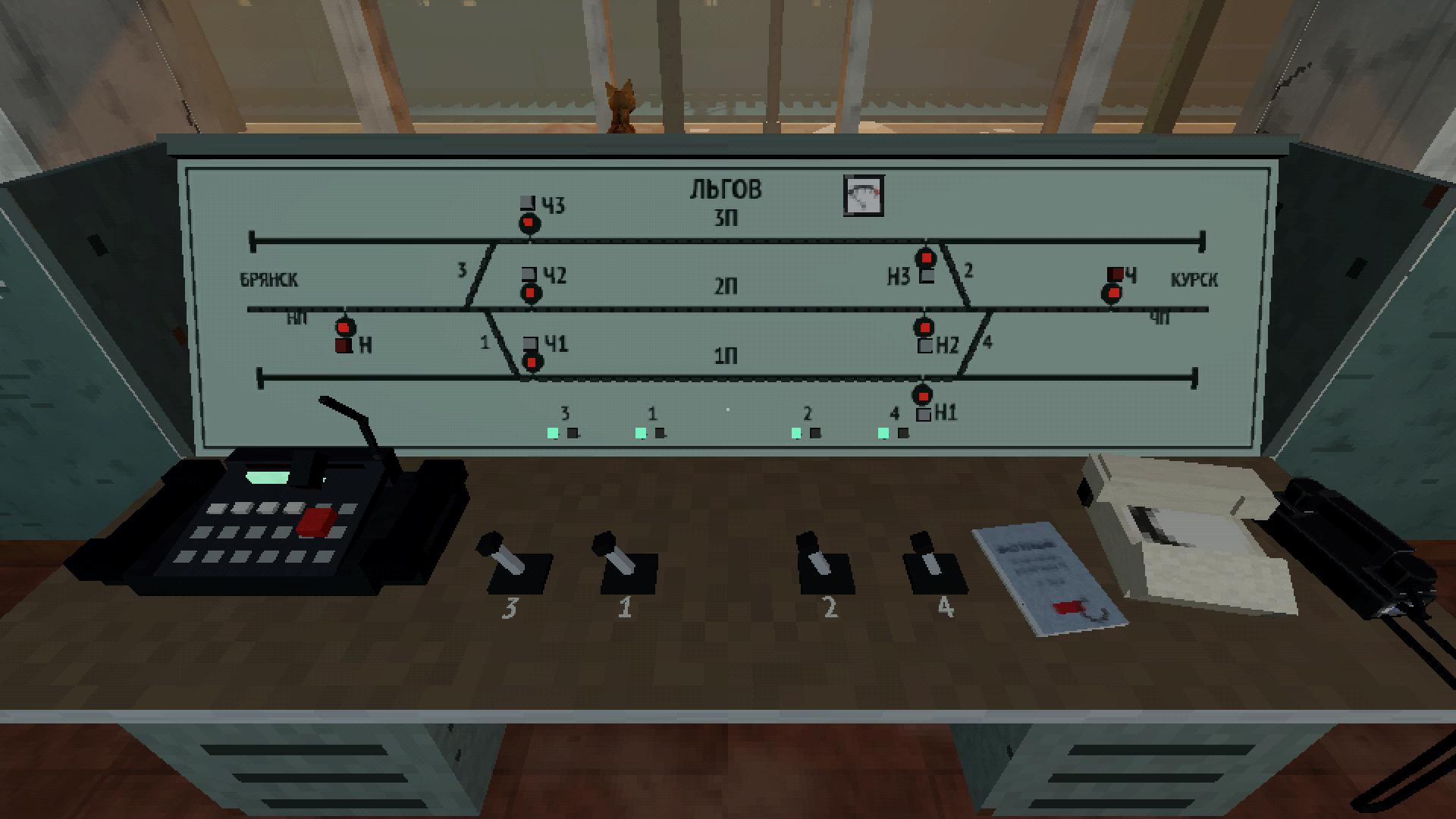
- Set routes by hand on an old relay interlocking panel: throw the switches one lever at a time, open the signals, watch the trains roll in and out.
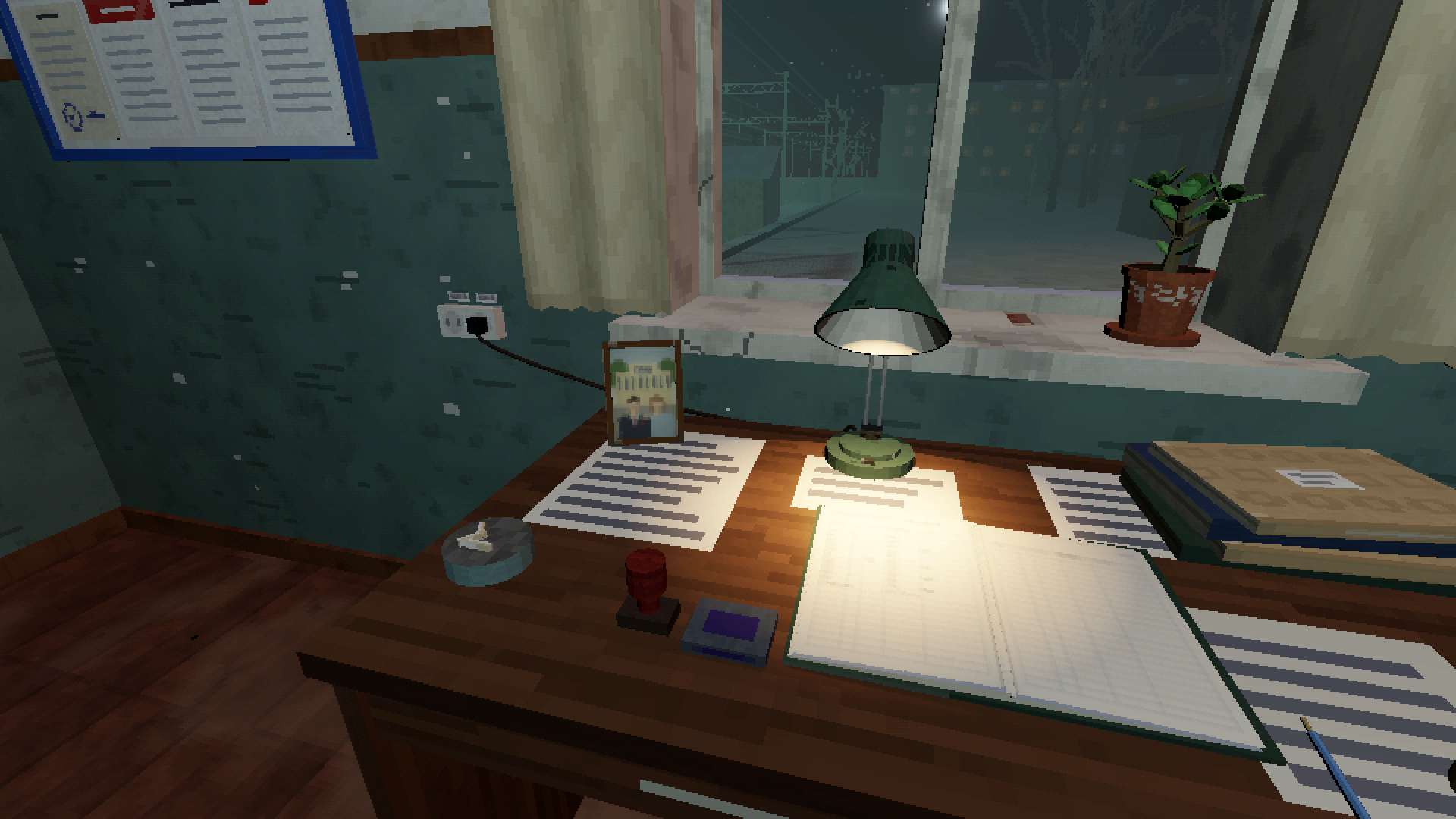
- Keep the station logbook. Every arrival and departure is written by hand, and the drivers' consist sheets get your stamp.
- Answer the dispatcher on the selector. Tune the old radio between stations when the line is quiet.
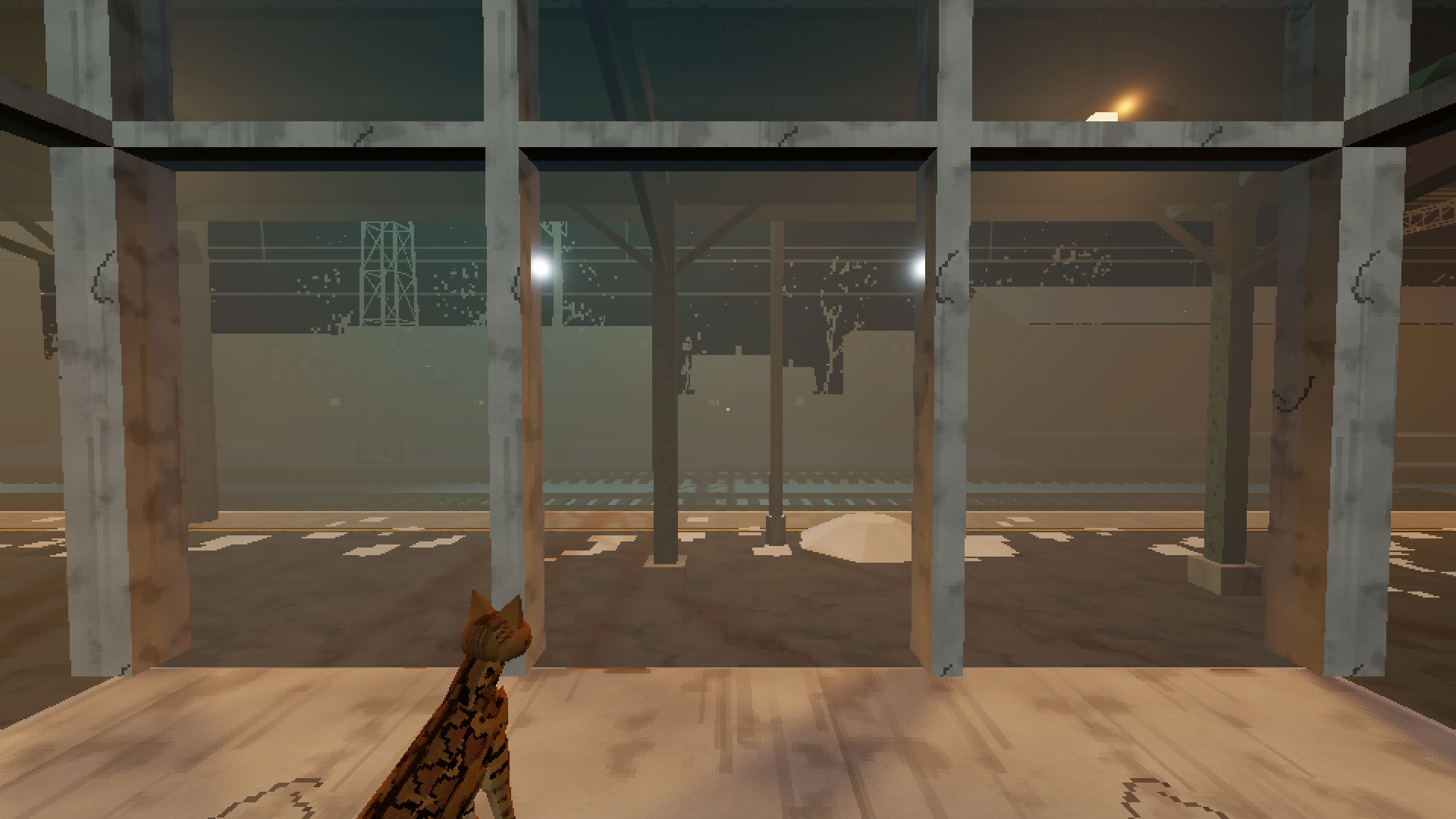
- Meet the people who pass through: the buffet lady with a pie, a talkative train driver, passengers on a frozen platform. And Gerda, the station cat.
About the prototype
The game is told over four story days - four shifts at the station. Day one, the introductory shift, is playable now and takes about 15 minutes. The other three days are in the works.
- Languages: English and Russian. You choose on first launch and can change it later in the main menu.
- PS1-style look: low-resolution rendering, dithering, low-poly models.
- No jump scares. Just a winter evening, the hum of the lamps and the trains.
Controls
- WASD - walk, mouse - look around
- E - interact: sit at the desk, step up to the panel, press, write, stamp
- Q - turn off the radio
- E or left click - next line of dialogue
- Esc - stand up, pause
System requirements
- Windows 10/11, 64-bit, a graphics card with Vulkan support
- macOS 13 or later on Apple Silicon, macOS 12 or later on Intel
Made with Godot Engine. Sounds are CC0 field recordings from freesound.org; radio music is public domain (Musopen).
Download
Install instructions
The macOS build is not notarized yet. If macOS refuses to open it, right-click the app and choose Open, or go to System Settings → Privacy & Security and click Open Anyway.
Leave a comment
Log in with itch.io to leave a comment.